For this lab we were asked to add an –ignore optional flag to a peers repository. If chosen, the flag is provided with a file filled with url’s to ignore. Only files the have lines starting with ‘#’ for comments, ‘http’, or ‘https’ will be accepted. There were two parts for this lab.
Part 1
First, we had to find a repo from a peer to work on. We were to file an issue requesting to add the ignore feature to their repository. After getting the go ahead we had to for the repository, create a working branch and supply the name and location of the branch to the content owner. This will allow them to set up a remote tracking branch, which will allow them to view the commits I make while working on their code.
After I found a repo to work on I started on the implementation. All in all the code was realativly easy to write, but I ended up spending a few hours stuck on one bug. I asked about it on the slack channel, and I asked about it in a discord group of fellow BSD students. The bug was that my regular expression was treating my list as one big string and ignoring new line characters. It took me more time then I’d like to admit to figure out that the parameter being passed to my function, even though it is a single url, came in a list. So when I was trying:
if re.match(f'{domain}', url):
The compiler would yell at me saying it expected a byte of string like object. Okay, so I’ll just wrap the url in a string constructor, problem solved…
if re.match(f'{domain}', str(url)):
Wrong, because it was a list, and not a single url string like I though it would be. So wrapping a list in a string constructor turns the entire contents of the list into one giant string. That’s why the code would work without newlines. So, when I added another url to the list the regular expression was fed a string of the entire list, not just the individual items. So the embarrassing fix to solve my multi-hour bug was:
if re.match(f'{domain}', url[0]):
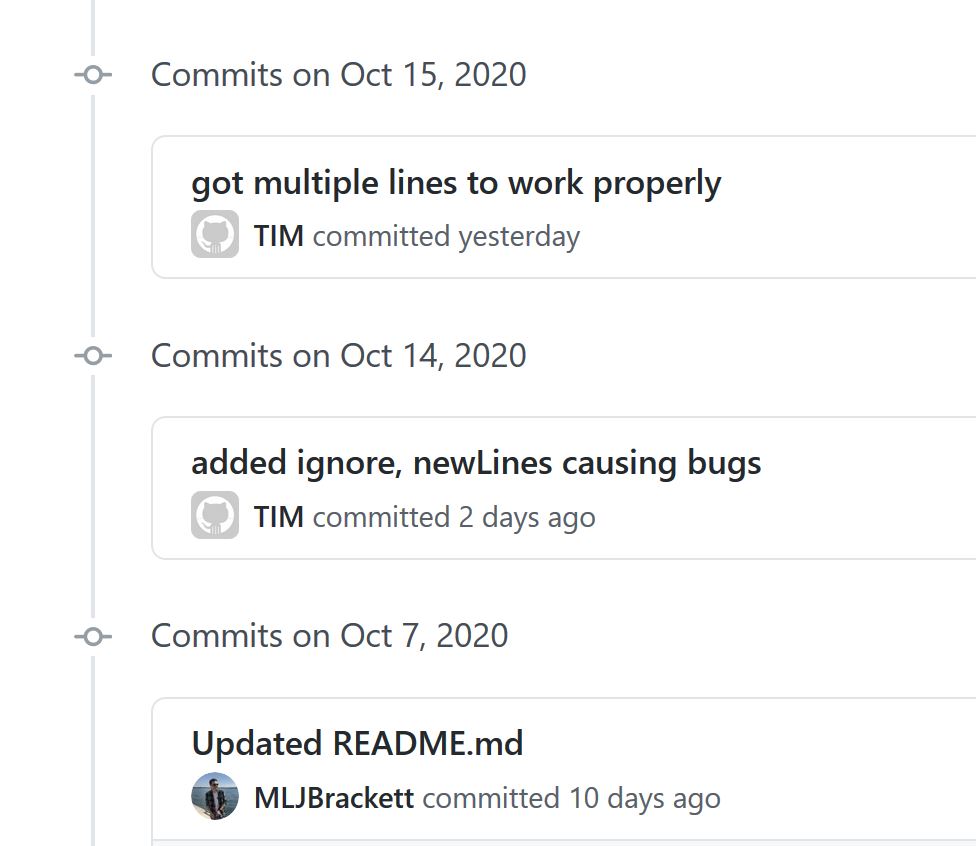
After testing the code I committed it all on my working branch and then pushed that branch into my origin. From there I left a comment in the issue telling the owner I was done and that they could review my work.
The owner had no revisions for me and my branch was successfully merged into their master without using a PR!
Part 2
Part 2 consisted of being on the other side of part 1. So a fellow peer filed an issue in my repo requesting to add the ignore feature to it. After giving them my blessing all I had to do for now was wait to get the name and location of their working branch. After getting that information I was able to set up a remote which was tied to a local tracking branch. This allowed me to use <$ git fetch> in order to fetch the data without merging it like a pull would. I can then test out their changes before putting them into my master branch.
After slaterslater told me they were done it was time to review the work. After testing out the code I found one minor issue were the code did not fully meet the requirements. I let Slater know about it and a few hours later he gave an update saying it was ready for review again. Everything is working as it should be. Now the final step is to manually merge their working branch into my master branch.
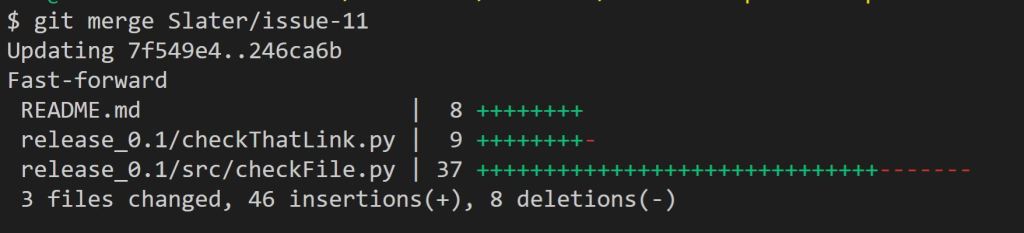
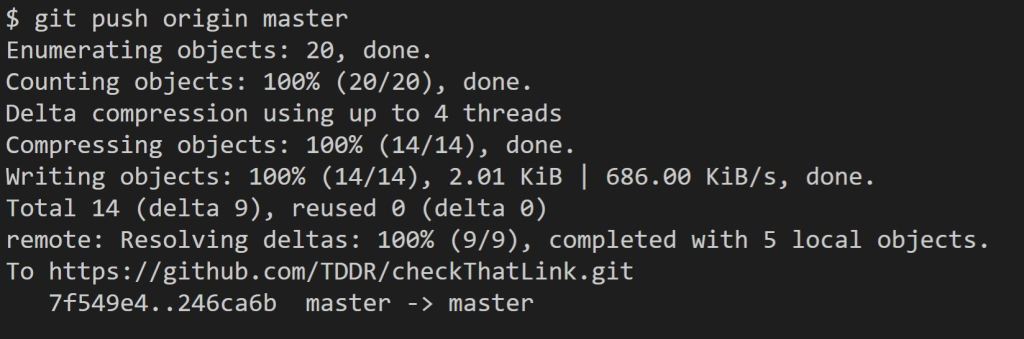
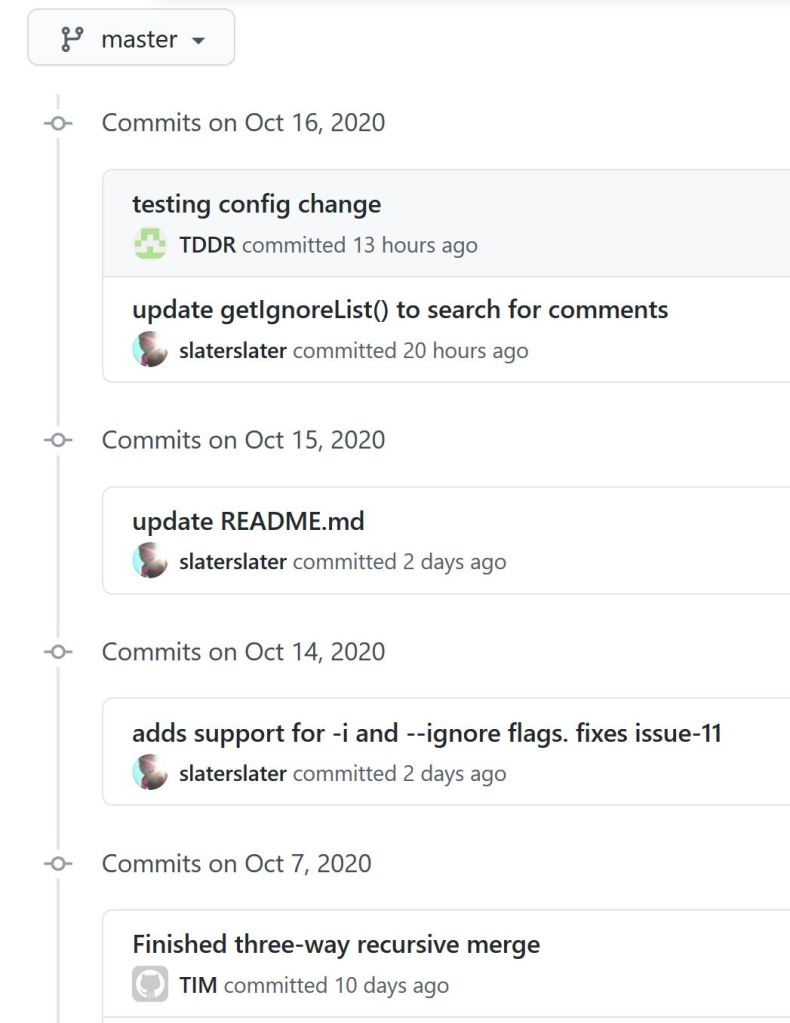
So there you have it. I got my code merged into another persons repo, and then merged another persons code into my own. All without using the highly automated PR tool!
 Tim's Blog for DPS 909